
Plenty of Brisbane businesses stay with a security provider they’re unhappy with for years. Not because the service is good, but because switching feels risky. The cameras, the access control and the alarm panel all work, more or less, and nobody wants to be the person who broke them.
A security provider changeover doesn’t have to be disruptive. Done properly, your site stays secured the whole way through, your staff keep swiping in on the same cards, and the only thing that changes is who answers the phone when something goes wrong. Here’s how it actually works.
Signs It’s Time to Switch
Most changeovers start with one of a handful of frustrations:
- Slow response. Faults sit open for days, or the technician has to travel from interstate.
- No one knows the system. The person who installed it has moved on and the current provider is guessing.
- Every fix becomes a replacement quote. Equipment that still has years of life is pitched as end-of-life.
- You can’t get your own data. Reports, user lists and footage exports all need a service call.
- The contract has drifted. Pricing has crept up and nobody can explain what you’re paying for.
If two or three of those sound familiar, it’s worth at least getting an independent look at your system.
Step 1: Check the Contract Before Anything Else
Before any work on site, read your current agreement closely. Look for the term and renewal date, the notice period, any early-exit fees, and who owns the equipment. Leased or rented hardware is common in monitoring contracts and changes the conversation completely, because some of what’s on your walls may not be yours to keep.
A good incoming provider will help you work through this, but the decision on timing is yours. Lining the changeover up with a renewal date usually avoids paying twice.
Step 2: Get an Independent System Assessment
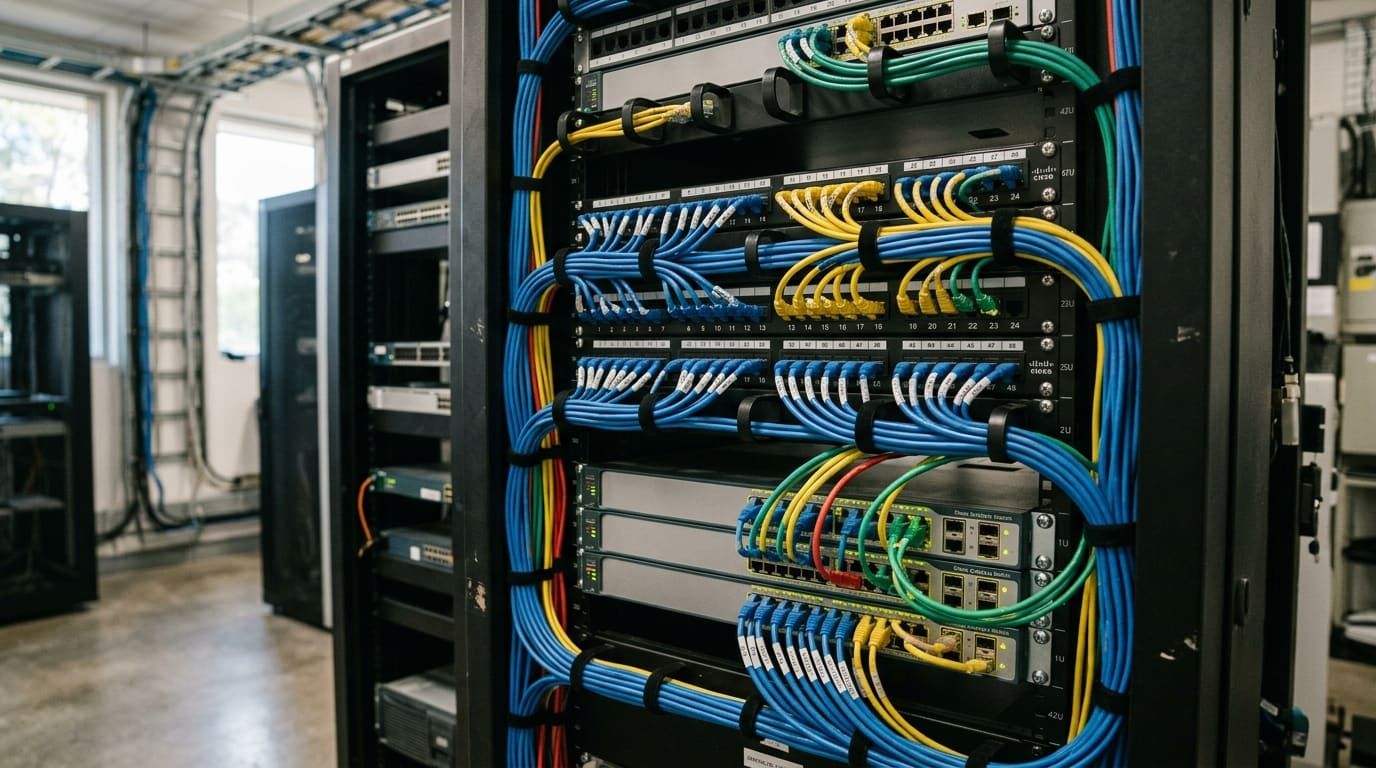
The next step is a proper audit of what’s actually installed: the cameras and recorders, the access control controllers and readers, the alarm panel, the network gear it all sits on, and the software versions running on each. The point is to separate three things:
- Equipment that’s sound and can simply be taken over
- Equipment that works but is approaching end of support
- Equipment that’s genuinely failed or unsafe
That assessment is what stops a changeover turning into an unnecessary rip-and-replace. In most cases the bulk of a commercial system can stay exactly where it is.
Step 3: Secure the Handover Information
This is where changeovers go wrong if nobody plans for it. To manage a system, the new provider needs administrator access to the platforms, installer codes for alarm panels, the database of users and credentials, network details, and as-built drawings where they exist.
Some outgoing providers hand all of this over cleanly. Others are slower. Ask early, put the request in writing, and make sure the information belongs to you under your current agreement. Where credentials genuinely can’t be recovered, an experienced integrator can usually reset or re-enrol the system without replacing hardware, but it takes longer.
Step 4: Plan the Cutover So the Site Stays Live
A changeover shouldn’t leave a gap in coverage. Practically, that means:
- Taking over one system at a time rather than everything on one day
- Confirming recording, door control and alarm reporting are working before the old provider steps away
- Re-enrolling cards and fobs in batches, so staff aren’t locked out
- Agreeing a clear cut-off time, so there’s never confusion about who responds to a fault
For CCTV and video management, that also means checking retention and making sure recent footage stays accessible through the transition.
Step 5: Fix What the Old Provider Didn’t
Once the system is in new hands, the assessment usually throws up a short list of quick wins: firmware updates, cameras that were never quite aimed right, doors with no schedule, users who left the business years ago. Clearing those early is often where a changeover proves its value.
Longer term, anything flagged as end-of-life can be replaced progressively through a planned system lifecycle upgrade instead of all at once.
What to Ask an Incoming Provider
- Which of your existing platforms are they certified on?
- Will they take over the system as it stands, or are they quoting a replacement?
- How will the cutover be staged, and who is responsible on the day?
- What response times are written into the maintenance agreement?
- Will you have direct access to your own reports and user management?
If the answer to the second question is “replace everything”, get a second opinion. A changeover should start with what you’ve already paid for.
Switching to Bravis
Our security system takeover service is built around exactly this process, and our team works across Gallagher, Avigilon and Milestone and other commercial platforms, so existing systems can usually stay in place.
If you’re weighing up a change of provider for a Brisbane site, get in touch and we’ll start with an assessment of what you’ve already got.