
Most commercial CCTV systems outlive the relationship with the company that installed them. The cameras keep recording, but the provider behind them gets slower, harder to reach, or more interested in quoting a replacement than fixing what’s there.
A CCTV monitoring takeover is how you change who looks after your cameras without starting again. Done properly, the cameras stay on the walls, recording never stops, and the only real change is who answers when something goes wrong. Here’s what’s involved.
What a CCTV Takeover Actually Covers
“Monitoring” means different things on different sites, so the first job is to be clear about what’s moving. A takeover usually covers some or all of:
- The video management system (VMS). The software that records, stores and plays back footage, such as Milestone, Avigilon or Genetec.
- Recorders and storage. NVRs, servers and any cloud or offsite retention.
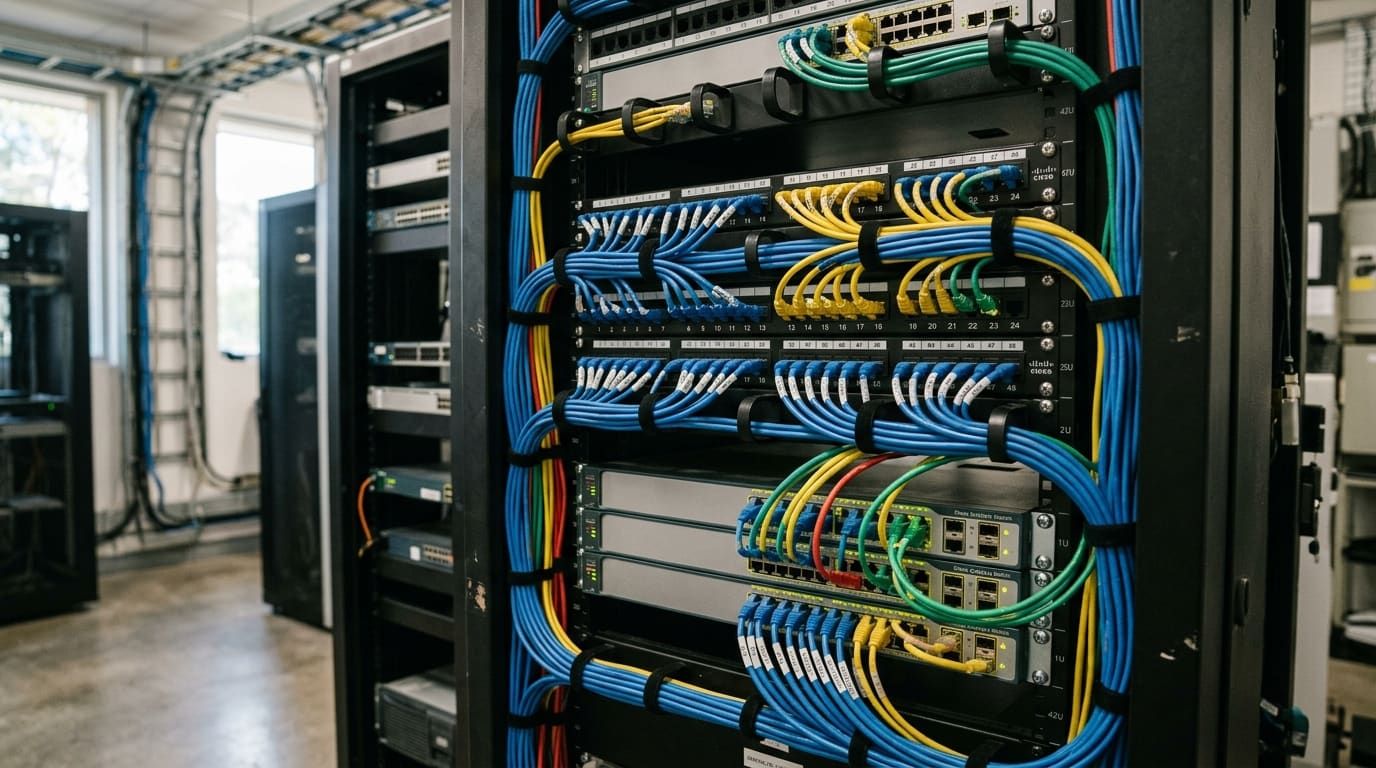
- Cameras and network. The cameras themselves, plus the switches and links they sit on.
- Live monitoring arrangements. Where cameras are connected to a 24/7 monitoring centre, the connection and response plan need to move too.
- Maintenance and fault response. Who fixes a dead camera, and how quickly.
Writing this list down for your own site is the easiest way to stop anything falling through the gap during the handover.
Step 1: Audit What’s Installed
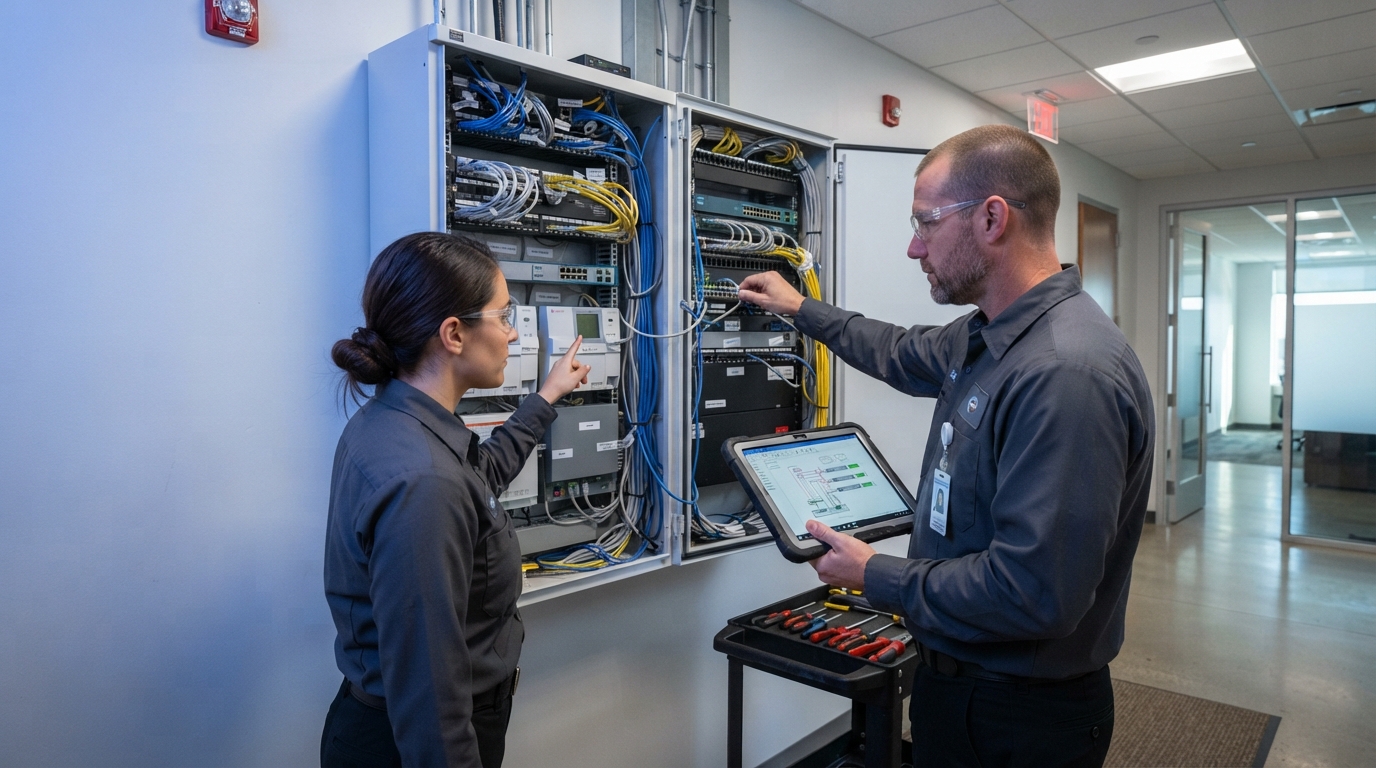
Before anything changes, the incoming integrator should assess the system as it stands. That means camera count and condition, recorder health, VMS version and licensing, storage capacity, and how much footage is actually being retained.
The goal is to sort equipment into three groups: sound and ready to take over, working but nearing end of support, and failed. On most commercial sites the bulk of the cameras fall into the first group, which is why a takeover rarely needs a full rip-and-replace.
Step 2: Recover Licences, Passwords and Data
This is the part that stalls takeovers. To manage a CCTV system, the new provider needs:
- Administrator access to the VMS and recorders
- VMS licence details and the status of any software support plan
- Camera passwords and network details (IP ranges, VLANs, remote access settings)
- Any as-built drawings or camera schedules
Request this in writing, early, and check your current agreement says the system and its data belong to you. If credentials can’t be recovered, an experienced integrator can usually reset and re-enrol cameras without replacing them. It just takes longer and needs planning around recording.
Step 3: Protect Footage Through the Cutover
The biggest risk in a CCTV changeover isn’t a camera failing, it’s losing footage you later need. Before the cutover:
- Confirm current retention (how many days are actually on disk) and that it matches your policy
- Export or preserve any footage tied to open incidents or insurance claims
- Make sure recording continues uninterrupted while administration changes hands
- Check that offsite or cloud storage arrangements, if you have them, transfer cleanly
Only once recording, playback and remote access are confirmed working under the new provider should the old one step away.
Step 4: Move the Monitoring Connection
If your cameras are connected to a monitoring centre, that connection needs to be re-pointed and tested end to end. Check that alarms arrive, that operators can see the right cameras, and that your contact and response list is current. Agree a clear cut-off time so there’s never a window where nobody is responsible for responding.
Step 5: Clean Up the Quick Wins
A takeover nearly always surfaces easy improvements: outdated firmware, cameras knocked off their original view, users who left years ago, and retention set lower than anyone realised. Clearing these early is often where a takeover proves its value.
Anything flagged as end of life can then be replaced progressively through a planned system lifecycle upgrade instead of all at once.
Questions to Ask Before You Switch
- Which VMS platforms is the incoming integrator certified on?
- Will they take over the existing cameras, or are they quoting new ones?
- How will they protect recorded footage during the transition?
- How is the monitoring connection moved, and who is responsible on the day?
- What fault response times are written into the maintenance agreement?
If the answer to the second question is “replace everything”, get a second opinion. A good takeover starts with what you’ve already paid for.
Taking Over Your CCTV With Bravis
Our security system takeover service covers CCTV, access control and alarms, and our team supports Avigilon and Milestone systems along with other commercial VMS platforms. Where hardware is compatible, you keep your cameras and we manage the platform. If you want cameras watched around the clock, we can connect them to a certified CCTV monitoring centre.
For a wider view of changing providers across every system on site, see our guide to how a security provider changeover works.
If you’re thinking about moving your CCTV to a new provider, get in touch and we’ll start with an assessment of what’s already installed.