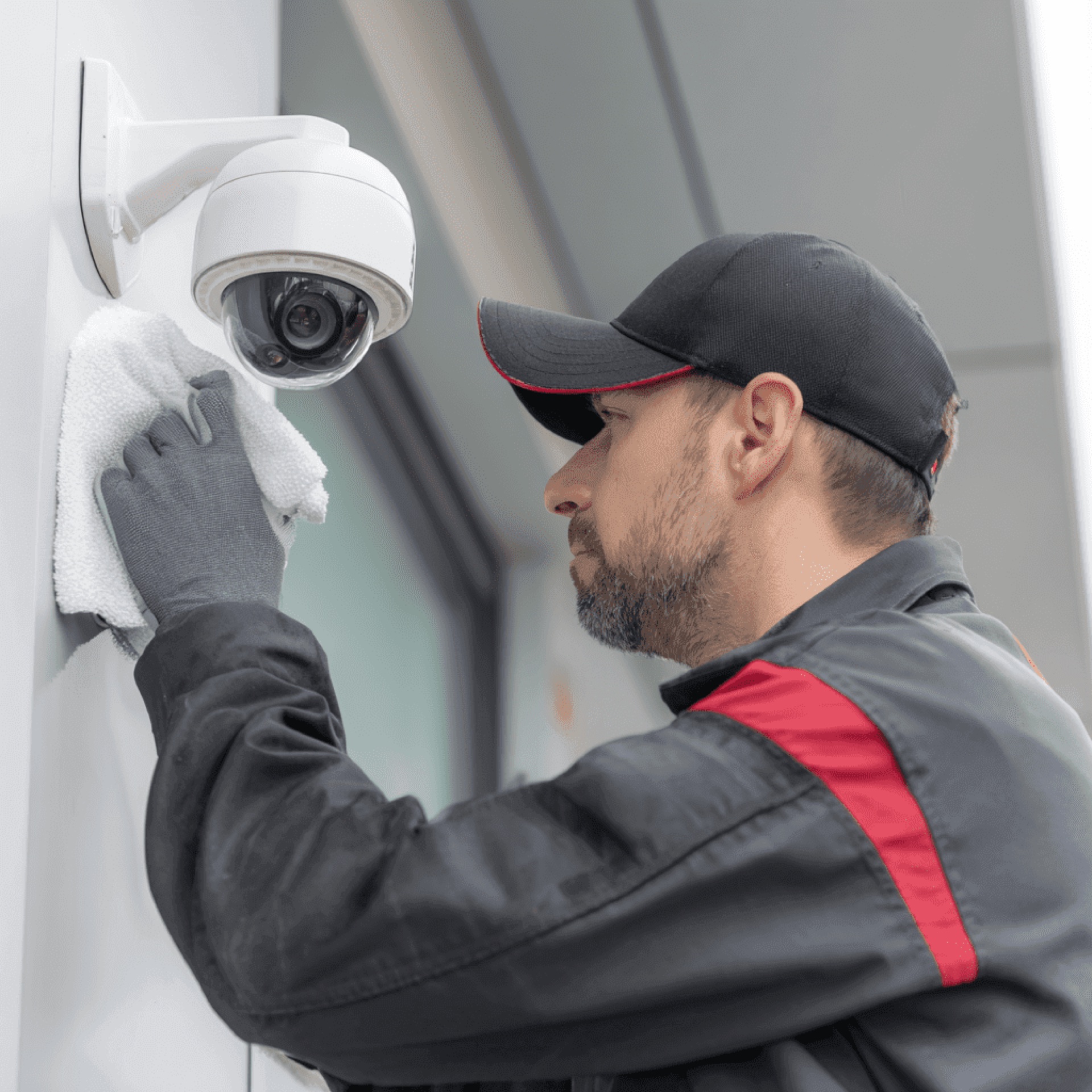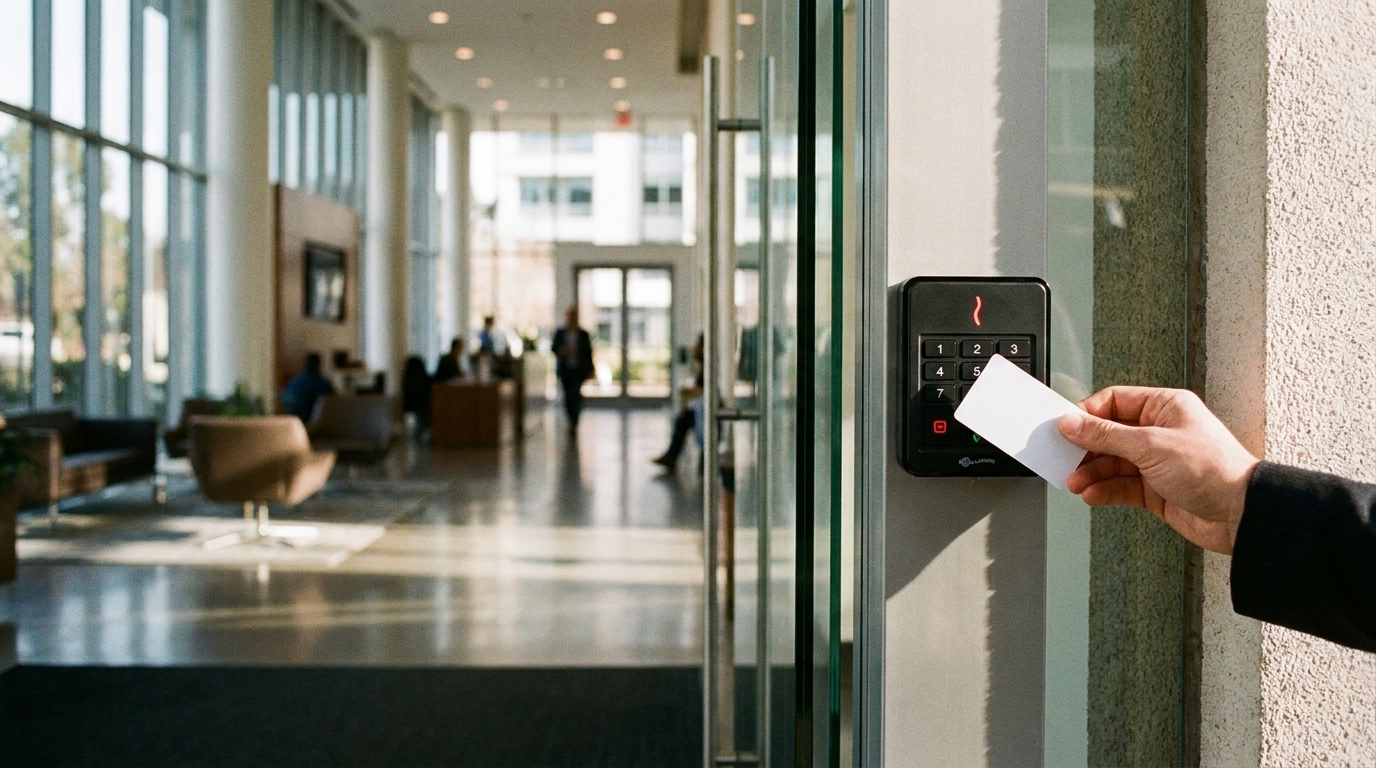

When a commercial security system starts showing its age, the first quote on the table is often a full replacement. New cameras, new recorder, new access control, new everything. Sometimes that’s the right call. More often, a good part of what’s on the walls still has years left in it, and the smarter move is to upgrade the existing security system rather than start again.
Here’s how to tell the difference, and how to plan an upgrade that improves the system without wasting what you’ve already paid for.
Signs Your System Needs an Upgrade
Security systems rarely fail all at once. They fall behind in small ways that add up:
- Footage you can’t use. Older cameras that can’t identify a face or a number plate when it matters.
- Unsupported software. Recorders, VMS or access control software that no longer gets updates or security patches.
- Systems that don’t talk to each other. Cameras on one platform, doors on another, alarms on a third, and staff juggling all three.
- Manual admin. Adding or removing a user means a service call, or someone editing three databases by hand.
- Growth the system can’t handle. A new building, extra doors or another shift, and the controller or licence has run out of room.
If any of these sound familiar, the system needs attention. That doesn’t automatically mean it needs replacing.
Step 1: Audit What You Actually Have
Every good upgrade starts with an honest inventory. That means listing each camera, recorder, controller, reader, lock and alarm panel, along with its age, its software version and whether the manufacturer still supports it. It also means testing performance on site, not just reading model numbers off a spreadsheet.
The audit should sort everything into three groups:
- Keep. Sound equipment that’s supported and performing.
- Plan to replace. Working equipment that’s approaching end of support.
- Replace now. Failed, unsupported or unsafe equipment, and anything leaving a genuine gap in coverage.
Cabling, door hardware and recent readers often land in the first group. That matters, because those are some of the most labour-intensive parts of any install.
Step 2: Fix the Weakest Links First
Not every upgrade has to happen in one go. The best results usually come from tackling the highest-risk items first:
- Replacing cameras at entries, loading docks and car parks where identification actually matters
- Moving recorders and software onto supported versions
- Upgrading access control controllers that can no longer take firmware updates
- Adding cameras or doors where the audit found real blind spots
Everything else can be scheduled into later stages. Spreading the spend across financial years is often what makes a meaningful upgrade affordable at all.
Step 3: Bring Everything onto One Platform
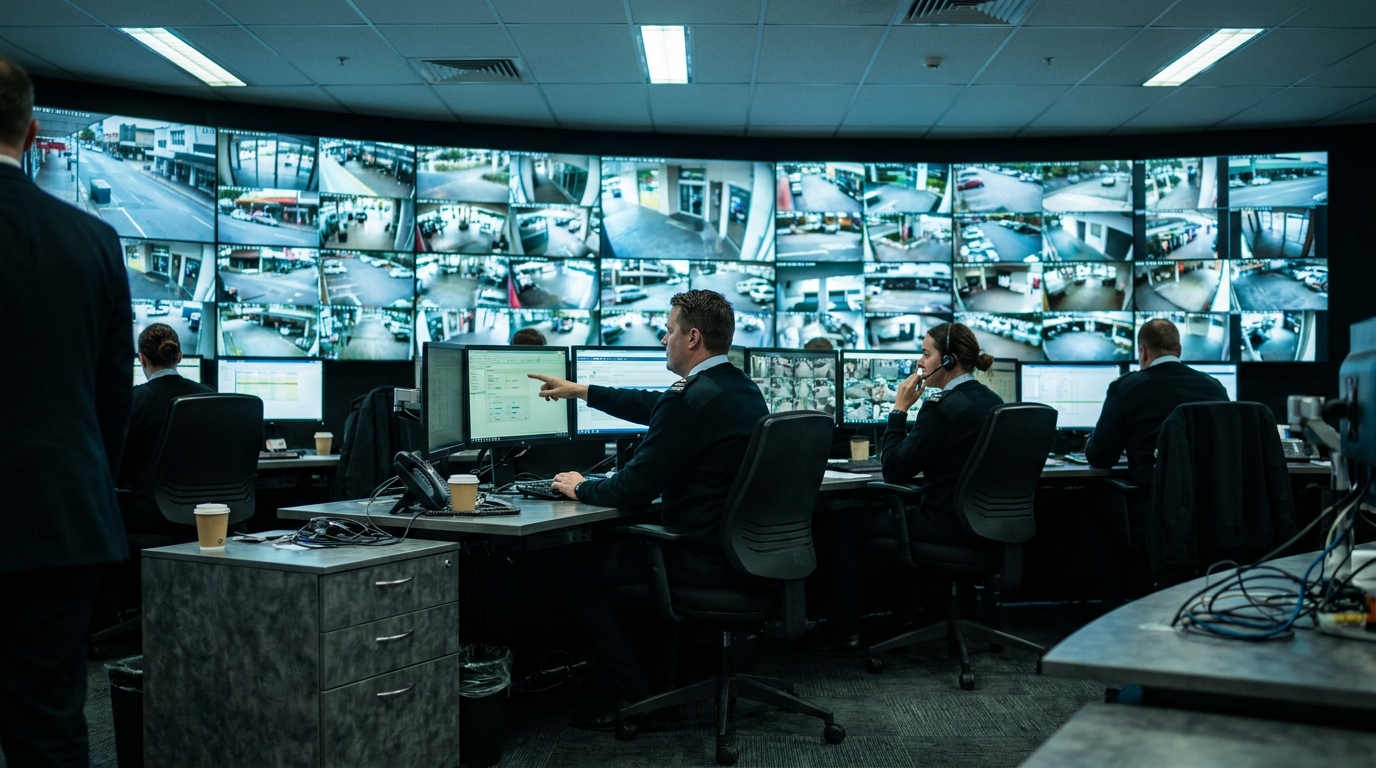
The biggest improvement in many upgrades isn’t a new camera, it’s integration. When CCTV and video management, access control and alarms sit on a common platform, an alarm at a door can pull up the camera on that door, and one user record can manage access across the site.
Our work at Arnott’s Biscuits is a good example. The facility had two separate systems for CCTV and access control that had never been integrated. The upgrade brought both onto one graphical interface covering every camera, access door and perimeter door, and added capability the site had been missing, including ANPR and Active Directory integration.
Step 4: Keep the Site Live During the Work
A commercial site can’t go unprotected while its security system is being upgraded. A well-run upgrade is staged so that:
- Old and new equipment run side by side until the new gear is confirmed working
- Staff cards are migrated in batches, so nobody gets locked out
- Recording continues throughout, with existing footage kept accessible
- Work in busy areas is scheduled around your operating hours
Doing this properly takes more planning up front, but it means no gap in coverage and no surprises on the day.
Upgrade or Replace?
A full replacement makes sense when the core platform is unsupported, when the cabling itself is failing, or when the site’s needs have changed so much that the old design no longer fits. In most other cases, a staged upgrade gets you a better system for less money and less disruption.
The honest answer comes from the audit, not from the first quote.
Upgrading with Bravis
Our system and lifecycle upgrades work is built around exactly this approach: assess first, keep what’s sound, and stage the rest. As a certified partner with Gallagher, Avigilon and Milestone and Inner Range, we can work within the platforms many Queensland sites already run.
If someone else installed your system, our security system takeover service covers taking it on before the upgrade starts.
If your system is due for attention, get in touch and we’ll start with an assessment of what you’ve already got.