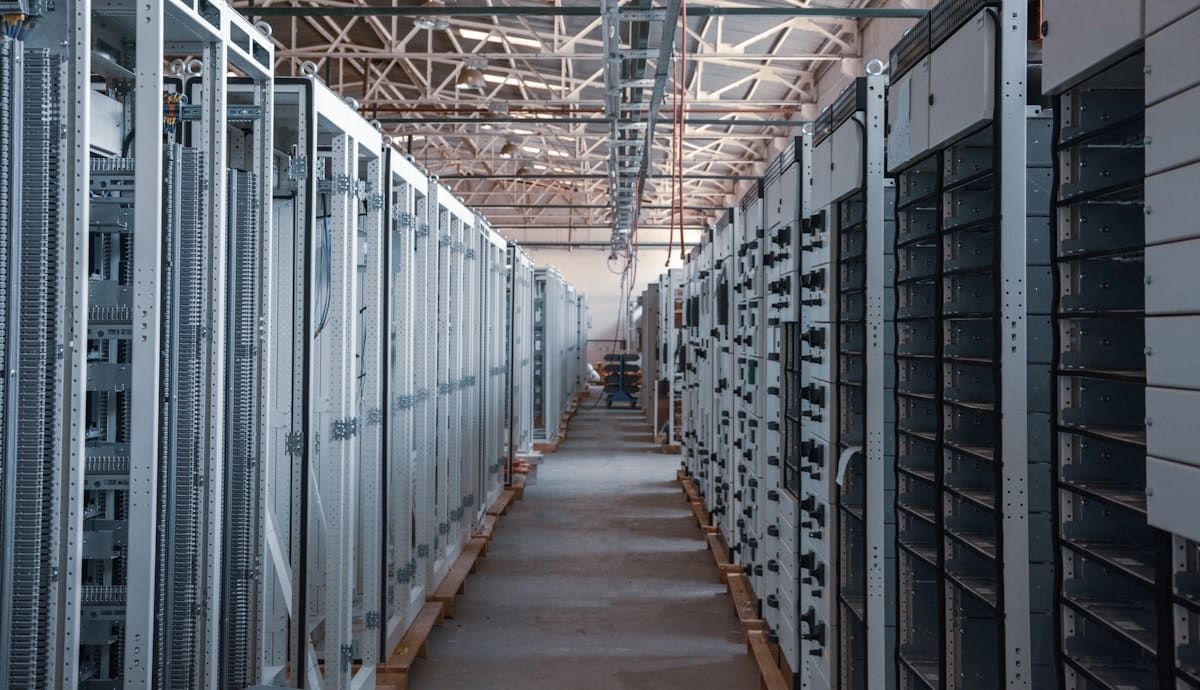
Very few data centre security projects start with an empty building. Most start with a system that’s already running: access control installed when the facility opened, cameras added hall by hall, a VMS that’s a few versions behind, and a mix of credentials nobody has fully audited in years.
The challenge with upgrading that system is that the facility can’t stop. Customers, uptime commitments and certification audits don’t pause while the security platform is replaced. Here’s how a well-run data centre security upgrade in Queensland should go.
Signs Your Current System Is Due
Data centre security systems rarely fail outright. They fall behind gradually. Common signs it’s time to act:
- Unsupported hardware or software. Controllers or recorders past end-of-support no longer get firmware fixes, which becomes a problem for both reliability and cyber risk.
- Audit friction. If preparing for an ISO 27001 surveillance audit or a client security questionnaire means manually pulling logs from several systems, the platform isn’t doing its job.
- Single-factor entry to the data hall. A card alone at a high-consequence door is increasingly hard to justify to customers and auditors.
- Retention gaps. Footage that only goes back a week or two won’t cover an incident that’s discovered a month later.
- Expansion pressure. A new hall or customer cage is being added, and the existing system can’t scale to it cleanly.
Step 1: Audit What’s Actually There
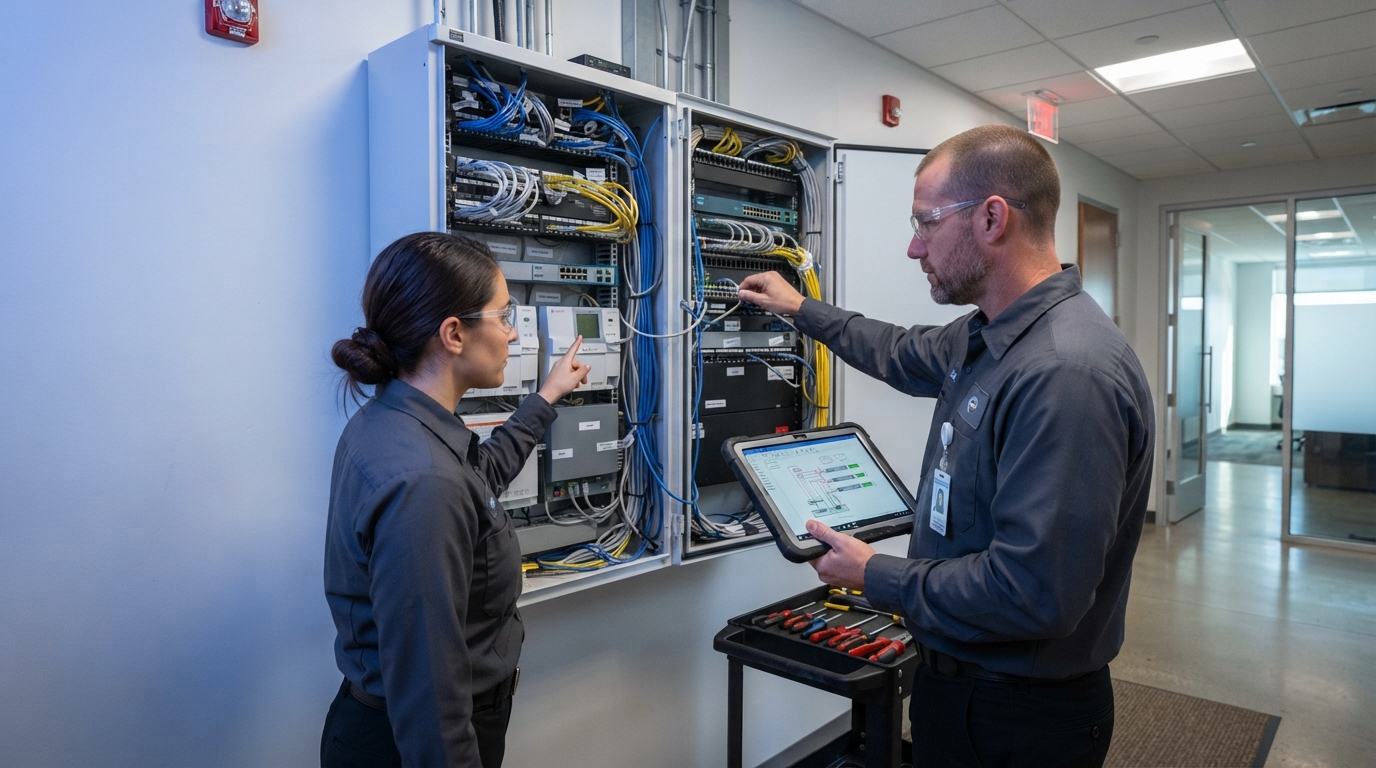
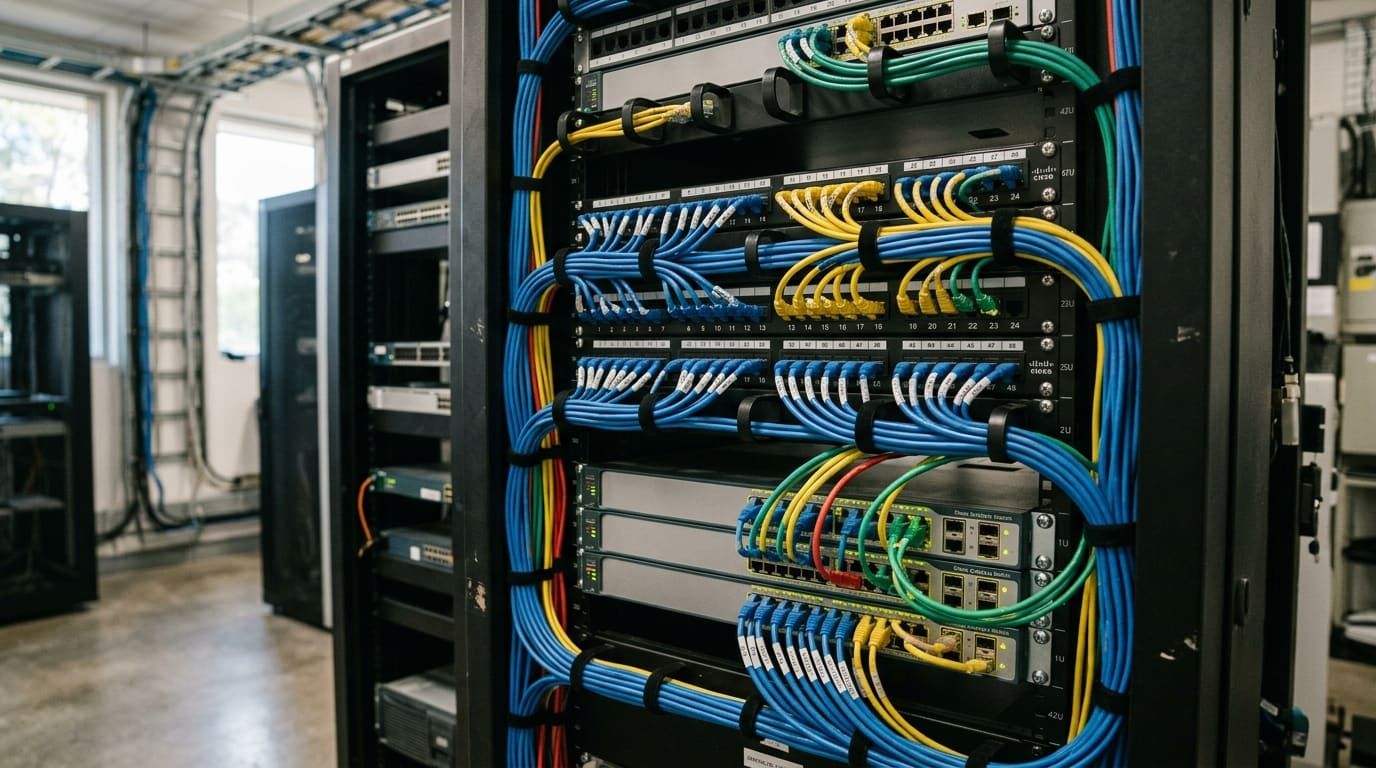
A good upgrade starts with an honest inventory, not a sales quote. That means documenting every controller, reader, lock, camera, recorder and network switch. It also means checking end-of-support dates and testing what’s actually performing.
The point of the audit is to separate what must be replaced from what can stay. Sound cabling, compatible cameras and recent readers can often be kept and integrated into the new platform. That reduces cost and, just as importantly, reduces the amount of disruptive work inside live halls. Our system and life cycle upgrades approach is built around exactly this kind of prioritised roadmap.
Step 2: Design the Target System First
Before anything is removed, the end state should be designed in full. For most data centres that means:
- Layered zones. Perimeter, building entry, the boundary between public and secure areas, and the data hall itself, each with its own access rules.
- Multi-factor at the data hall. Card plus PIN or card plus biometric verification, such as facial recognition, so a lost or shared card isn’t enough.
- Rack-level control where it’s needed. Electronic rack handles extend credentials and logging to the individual cabinet. This is particularly useful in shared or colocation halls.
- CCTV that matches the access log. CCTV and video management covering aisles and cabinet faces, linked to access events, with retention set to match your policies and audit obligations.
- Reporting your own team can run. Audit reports should be something facility staff produce themselves, not a service request.
A clear target design also makes it easier to spread the spend across financial years without leaving gaps.
Step 3: Stage the Cutover
This is where data centre upgrades differ most from ordinary commercial work. The new system has to be proven before the old one is retired, door by door and zone by zone.
In practice that usually means running old and new systems in parallel for a period and migrating credentials in batches. Physical work in live halls gets scheduled around change windows, and one side of a room is migrated while the other stays in service. Fire egress requirements, fail-safe and fail-secure locking decisions, and what each door does if the network drops all need to be settled before cutover, not during it.
If the upgrade also means moving away from the provider who installed the original system, a structured security system takeover lets the transition happen without starting from scratch.
Step 4: Hand Over Something Maintainable
An upgrade isn’t finished at commissioning. The facility should end up with as-built documentation, credential and schedule records it controls, and a maintenance agreement with defined response times. Without those, the system starts drifting out of date again from day one.
Questions to Ask Before You Commit
- Which components can be retained, and what’s the evidence?
- How will each zone be cut over without affecting operations?
- Which platforms is the integrator certified on, and will the new system integrate with what’s staying?
- How will the finished system support your audit and certification requirements?
- What does ongoing maintenance look like, and what response times are written into it?
How Bravis Approaches It
Our data centre and server room security work covers everything from a single comms room to larger data halls across Brisbane, South East Queensland and wider Queensland. For an example of layered credentials, VMS and biometric entry on a high-consequence site, see our Private Vaults Australia project.
If your facility’s security system is ageing, unsupported or struggling to keep up with audits, talk to our team about a staged upgrade plan.