
A commercial CCTV system has a different job to a home camera kit. It has to produce footage that holds up when police, insurers or a court look at it, cover a site that changes between day and night shifts, and keep recording for years without someone babysitting it. Most businesses we talk to aren’t short on camera options. They’re short on a clear way to compare them. Here’s how to scope a commercial CCTV system properly before you ask for quotes.
Start With What Each Camera Needs to Prove
Before anyone talks megapixels, decide what each camera is for. A useful way to frame it is the level of detail you need at each position:
- Detect: was there a person or vehicle in the yard at all?
- Observe: what were they doing, and where did they go?
- Recognise: is that someone we know, such as a staff member?
- Identify: could a stranger be identified from this footage alone?
Industry standards put numbers on this, measured in pixels per metre at the target, and identification needs about ten times the pixel density of detection. That’s why one high-resolution camera on a wide yard often can’t identify anyone, while a modest camera on a narrow doorway can. A good commercial CCTV design puts identification-grade cameras at choke points (entries, tills, dock doors) and wider overview cameras everywhere else.
IP Cameras, Not Analogue
For a new commercial CCTV installation, IP cameras are the default. They deliver higher resolution, take power and data over a single network cable (PoE), and connect to an enterprise video management platform. Analogue and HD-over-coax systems are still running on plenty of sites, and they can be a reasonable stepping stone where cabling is hard to replace, but they cap image quality and integration. If you’re running an older DVR, it’s usually worth planning a staged move to IP rather than adding more analogue cameras to it.
Choosing Camera Types
Most commercial sites end up with a mix:
- Fixed dome and bullet cameras for doors, corridors, car parks and perimeters. These do the bulk of the work.
- Multi-sensor cameras that cover 180 or 360 degrees from one mounting point, useful for yards, aisle intersections and open-plan floors.
- PTZ cameras (pan, tilt, zoom) for large outdoor areas where an operator actively follows activity. They complement fixed cameras rather than replace them, because a PTZ only records where it’s pointed.
- ANPR cameras that read number plates at gates, boom gates and car park entries.
Lighting matters as much as the camera. Ask how each position will perform at night, facing into the sun at a roller door, and under mixed warehouse lighting. Wide dynamic range (WDR) and infrared or white-light illumination solve most of these problems when they’re specified for the position, not added after the footage disappoints.
The Video Management System Is the Real Product
Cameras capture images. The video management system (VMS) is where your team actually finds and uses them, and on a commercial site it decides whether reviewing an incident takes five minutes or five hours. Look for:
- One interface across every camera and every site
- Fast search by time, camera, motion area or event
- Clean, verifiable exports for police and insurers
- User permissions, so a store manager sees their store and nothing else
- Integration with access control and alarms, so an event and its footage are linked
Bravis designs and supports CCTV and video management systems on enterprise platforms including Milestone and Avigilon, from a handful of cameras through to multi-site estates.
Storage and Retention
How long you keep footage drives the cost of a commercial CCTV system more than most buyers expect. Every camera, every extra frame per second and every extra day of retention adds storage. The usual options are:
- On-site recording on network video recorders or servers
- Cloud storage, where footage is written to a service such as Wasabi and scales without new hardware
- Hybrid, keeping recent footage on site for fast review and pushing longer retention to the cloud
Decide your retention period first (for example 30, 60 or 90 days, based on your own policies and how long incidents take to come to light), then size storage to hold that at the quality you actually need. Cutting quality to stretch retention is one of the most common reasons business CCTV footage disappoints when it’s finally needed.
Integration With the Rest of Your Security
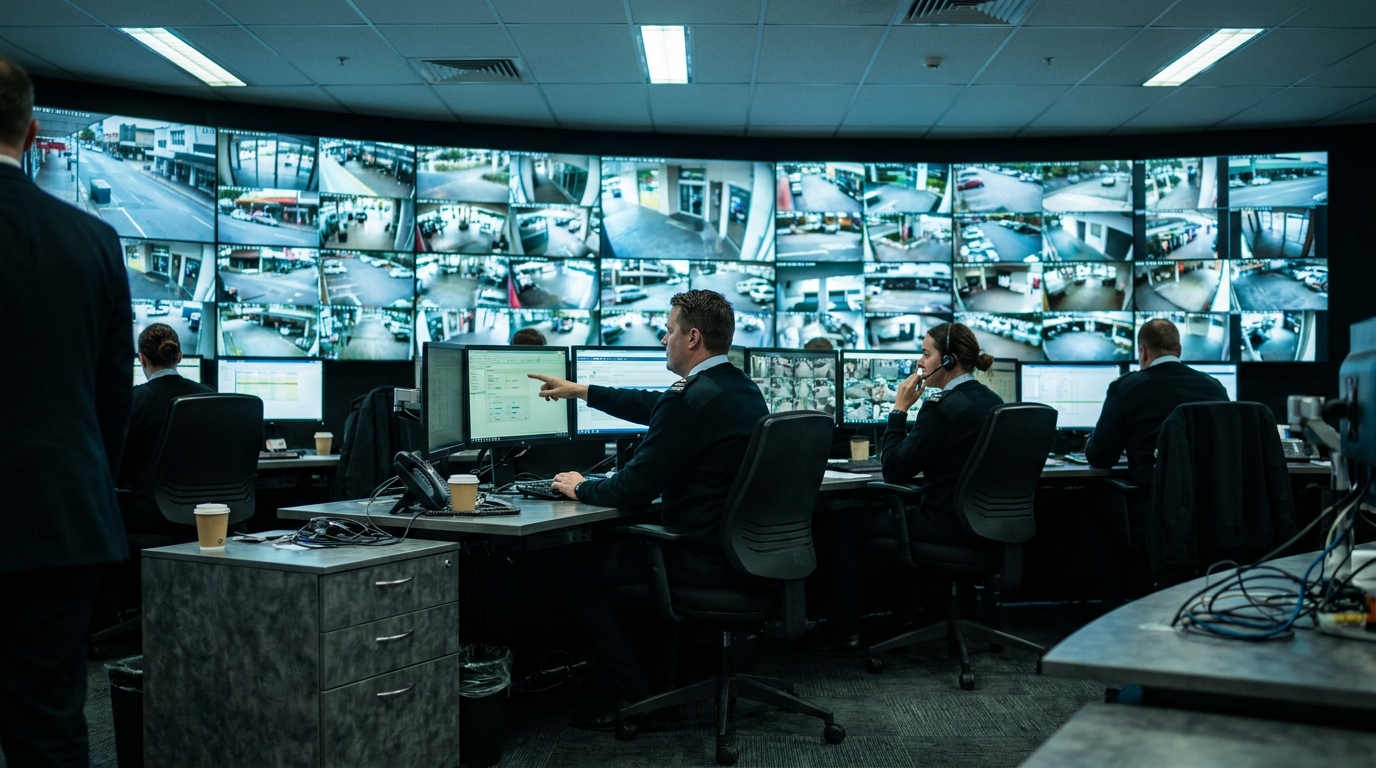
CCTV is far more useful when it isn’t working alone. Linked to access control, a forced door brings up the nearest camera. Linked to alarms, an after-hours event arrives with video attached. For sites that want 24/7 CCTV surveillance, CCTV monitoring can be layered on top, but the foundation is still a system designed to record the right detail in the right places.
What a Proper Commercial CCTV Installation Includes
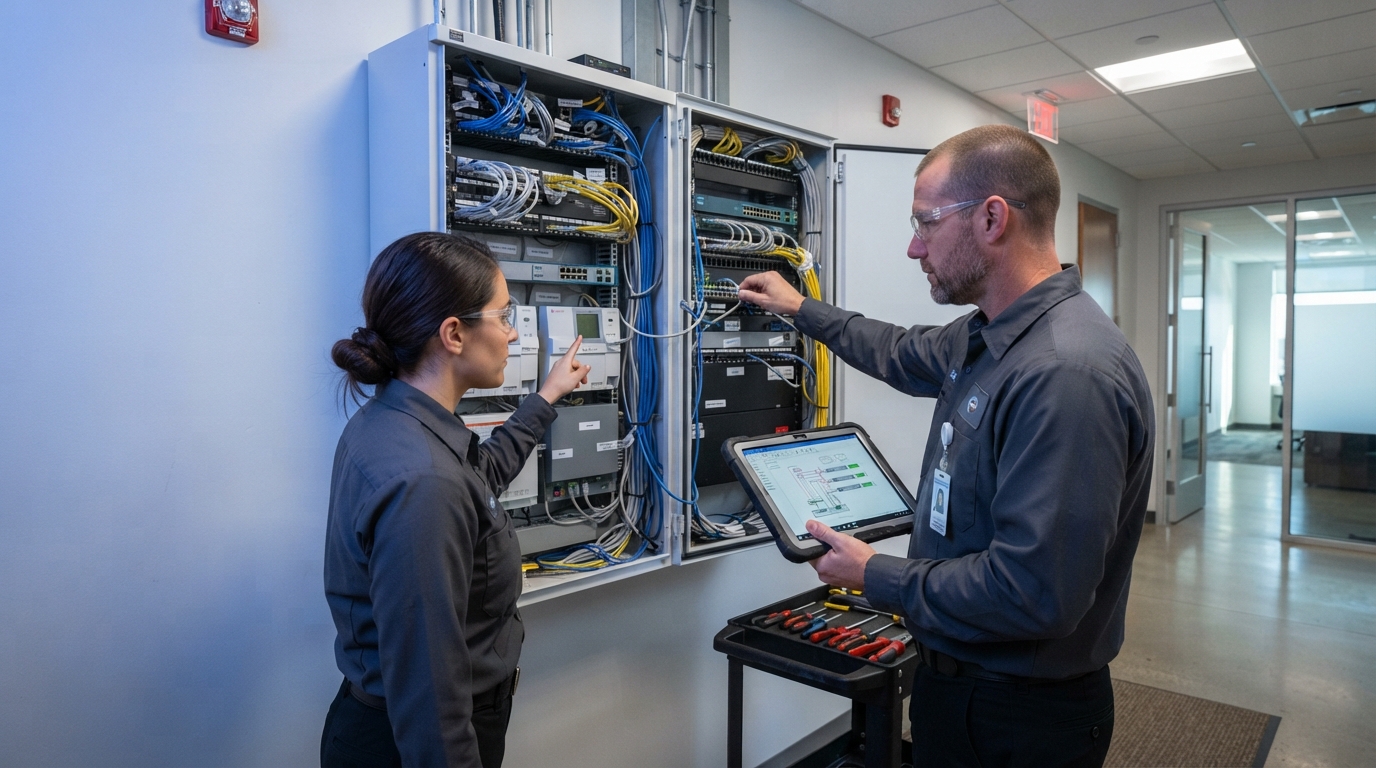
A commercial CCTV installation should start with a site walk and a camera schedule showing each position, its purpose and its field of view. From there, the quote should spell out cabling, network switches and PoE power, mounting hardware, the recording platform, licensing, commissioning and handover training. If a quote is just a camera count and a price, ask what’s been left out.
Network capacity deserves its own check. Dozens of high-resolution streams can swamp a business network that wasn’t designed for them, which is why we often scope networking alongside the cameras.
Commercial CCTV Maintenance
Cameras get knocked out of alignment, lenses get dirty, spiders build webs in front of infrared lights, hard drives fail and firmware ages. A business CCTV maintenance agreement should cover:
- Scheduled health checks on every camera
- Recording verification, so you know each camera is actually recording
- Firmware and software updates
- A written response time for faults
Without it, the first time you find out a camera stopped recording is usually the day you need the footage. Older systems can often be brought back under control through staged lifecycle upgrades rather than a full replacement.
What Commercial CCTV Looks Like in Practice
Bravis has delivered commercial CCTV across very different sites. At the Arnott’s Biscuits factory, 65 cameras on Milestone were brought onto one graphical interface alongside 80 doors of access control. At Ingham’s cold store in Lytton, more than 40 cameras cover the site, including freezer and blast chiller areas that needed careful planning to avoid condensation. At the State Police Operation Centre, video from more than 8,000 cameras across Queensland is consolidated into a single platform.
Talk to a Commercial CCTV Integrator
Bravis Security is a Capalaba-based, Queensland-licensed commercial security integrator with more than 100 years of combined experience, certified across Avigilon, Milestone, Axis, Gallagher and Inner Range. Whether you’re planning a new commercial CCTV system, replacing an ageing DVR or need maintenance on what you already have, get in touch and we’ll scope it around what your cameras actually need to prove.